No SMS commands in your GPS tracker manual — what should you do?
Can't find SMS commands in your GPS tracker manual? Don't panic. Learn where to find missing commands, how to search effectively, when to contact the manufacturer, and what to do if your tracker is locked to a specific tracking platform.

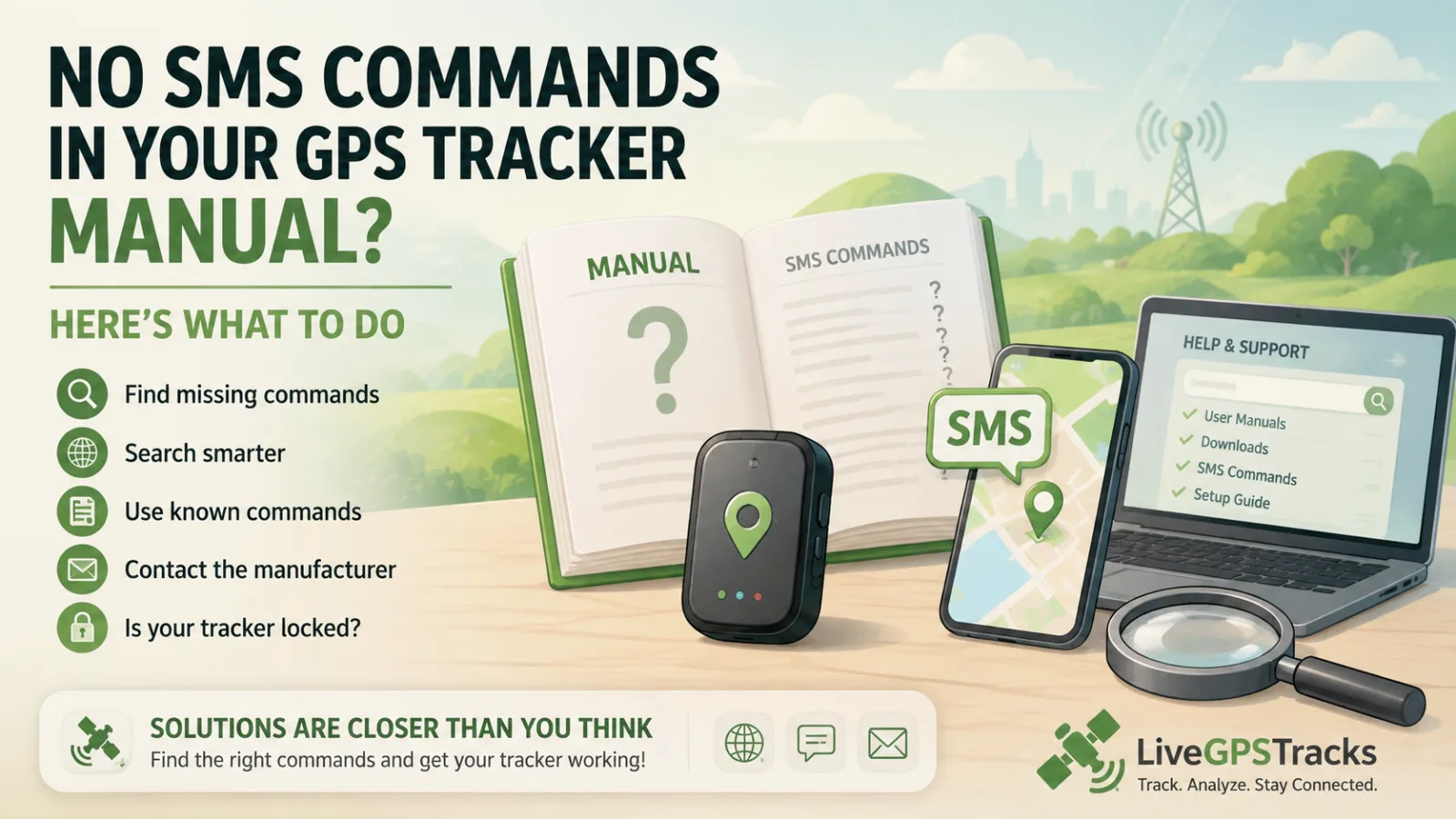
You bought a GPS tracker, opened the manual…
And there are no SMS commands inside 😐
Or even worse:
- the manual is missing
- you bought the tracker second-hand
- important commands (like server setup) are not listed
Take it easy — this is frustrating, but usually solvable.
Let’s go step by step 👇
🔍 1. Start with the manufacturer’s website
If your tracker has a recognizable brand, this is your best starting point.
Examples:
- Sinotrack
- Gosafe
- Megastek
- Meitrack
- TKSTAR
- Wonde Proud
👉 Go to the official website
Most manufacturers provide:
- product pages
- downloadable PDF manuals
These often contain the full command list, even if your printed manual doesn’t.
🌐 2. Use Google (seriously, it works)
Search for:
[tracker model] sms commands
Or:
[model] apn setup gps tracker
💡 Tip:
Don’t rely on just one source — compare a few results.
(Although sometimes the first result is all you need 😄)
🧠 3. Use the commands you already have
Sometimes your manual includes a few commands, like:
- APN setup
- working mode
👉 That’s a clue.
Take one known command and search for it.
Example:
apn123456 internet
📌 This often leads to:
- full manuals
- complete command sets
- including server configuration commands
👥 4. Check forums and communities
Other users have likely faced the same issue.
Look for:
- GPS tracker forums
- Reddit discussions
- blog comments
👉 People often share:
- working commands
- real-world tips
- model-specific quirks
🛰 5. Use ready-made platforms and databases
For example, on LiveGPSTracks:
- there’s a list of supported devices
- many models include a “How to configure” section
- with ready-to-use commands
👉 This can save you a lot of time.
⚠️ 6. Found commands, but they don’t work?
Very common.
Reason:
👉 same model name ≠ same device
This is especially true for generic Chinese trackers.
What to do:
- check the device carefully
- look at the label or packaging
- find additional markings
Example:
TK905 ≠ TK905B ≠ TK905-4G
👉 Always search using the full model name.
🤯 7. Found multiple command sets?
Yes, that happens.
Reality:
👉 sometimes you’ll need to test different commands
Tips:
- don’t send everything blindly
- test carefully
- note what works
✉️ 8. Contact the manufacturer or seller
If nothing works — this is completely normal.
👉 Reach out and ask for:
the full SMS command list
This is a standard request.
🚫 Important: your tracker might be locked
If there is no server configuration command, it may mean:
👉 the tracker only works with:
- the manufacturer’s platform
- or a limited set of approved services
📌 In that case:
- connecting it to platforms like LiveGPSTracks may not be possible
You’ll need to decide:
- keep using it as is
- or return/replace it
(We’ll cover pros & cons of locked devices in a separate article 👌)
✅ Final thoughts
Missing SMS commands is not a dead end.
In most cases, the solution is:
- Manufacturer’s website
- Google search
- Using known commands
- Community forums
- Platforms like LiveGPSTracks
👉 The key is to stay calm and search methodically.
💡 And yes — often the first Google result solves everything.
Related articles
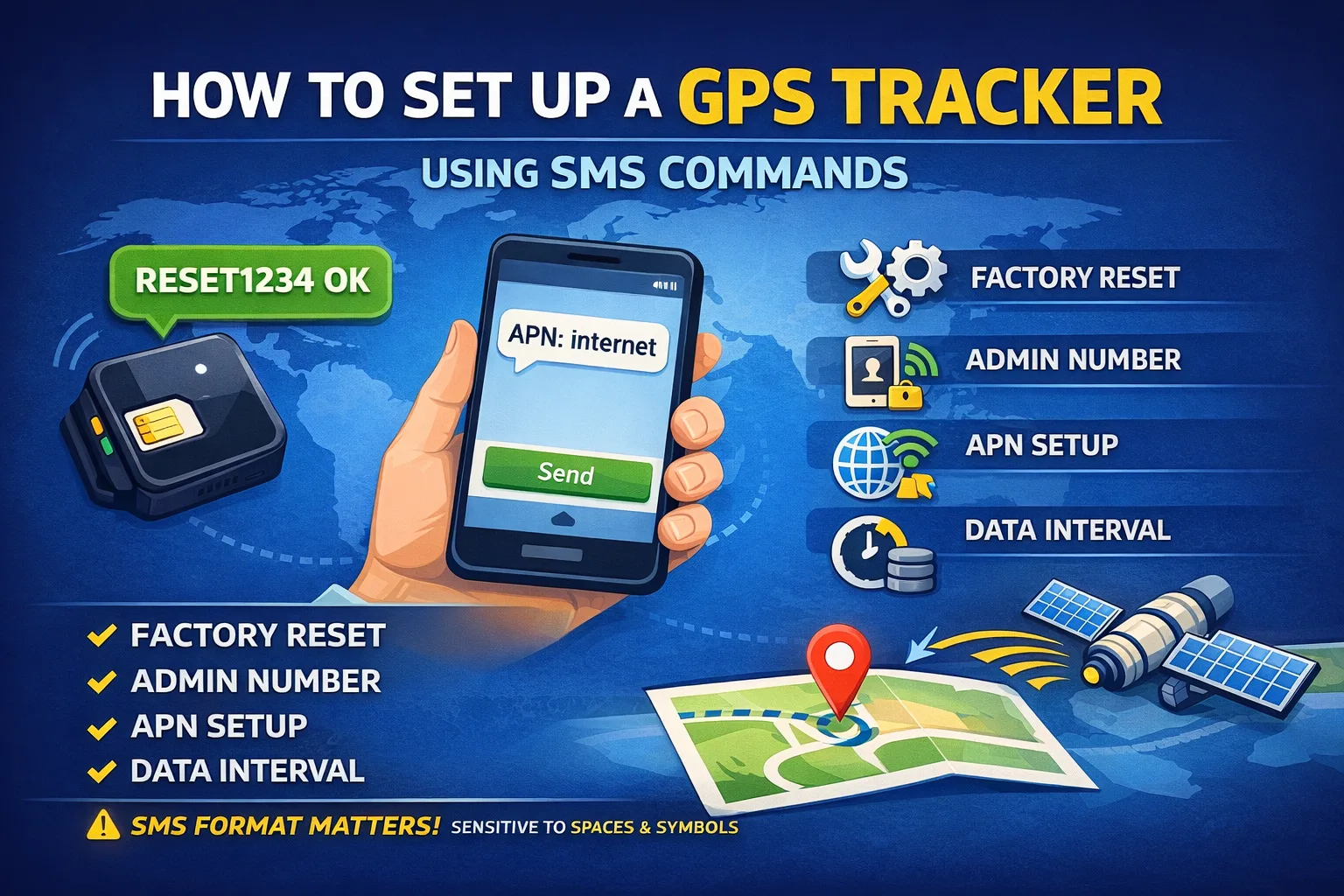
How to Set Up a GPS Tracker Using SMS Commands
Learn how GPS trackers are configured using SMS commands. This beginner-friendly guide explains the most common command types, the correct setup sequence, and common mistakes that prevent trackers from sending location data.
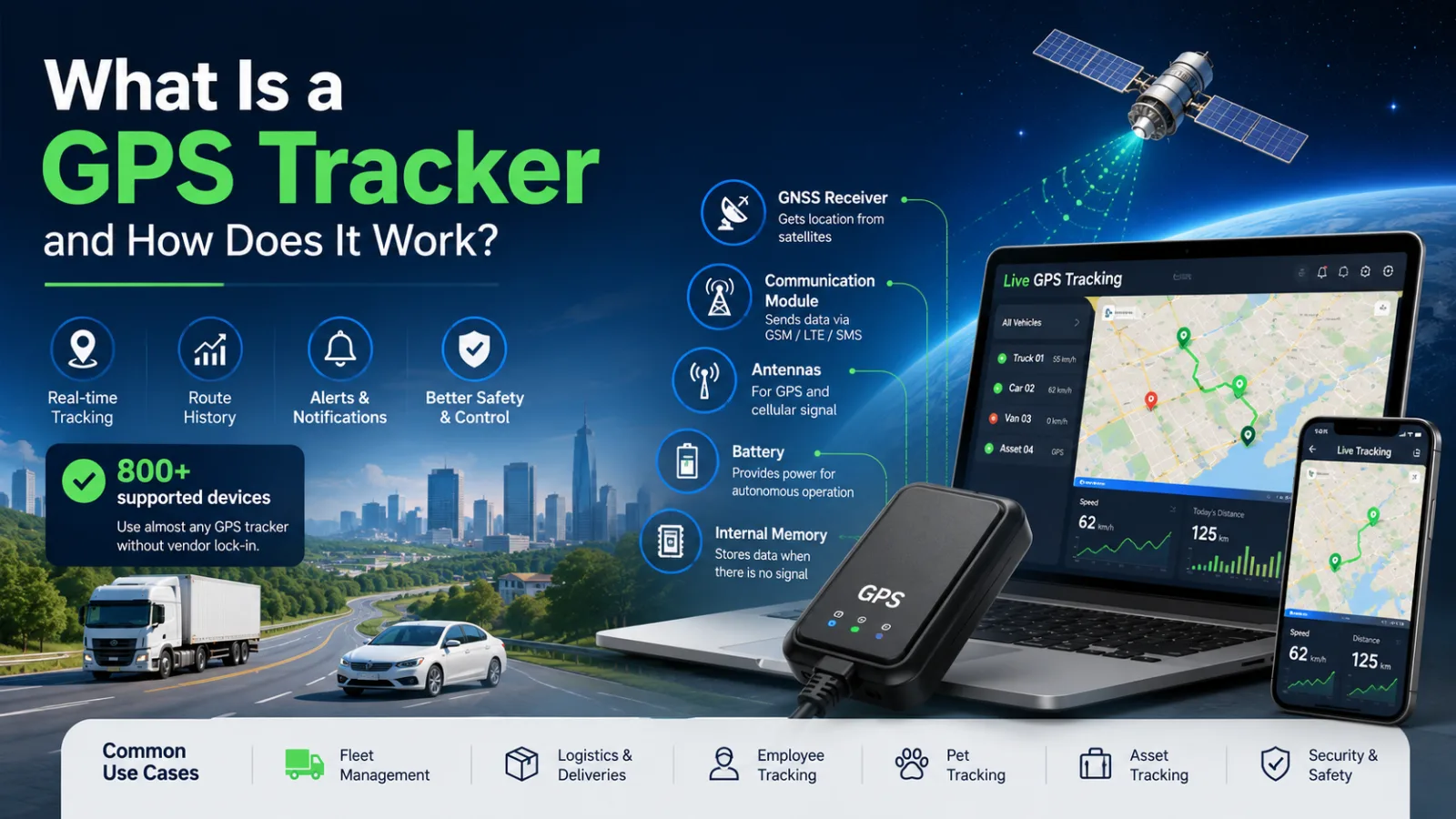
What Is a GPS Tracker and How Does It Work?
Learn how GPS trackers work, what components they use, and how tracking data reaches your screen. Discover different types of GPS trackers, common use cases, SIM card requirements, and how modern tracking platforms support 800+ devices worldwide.
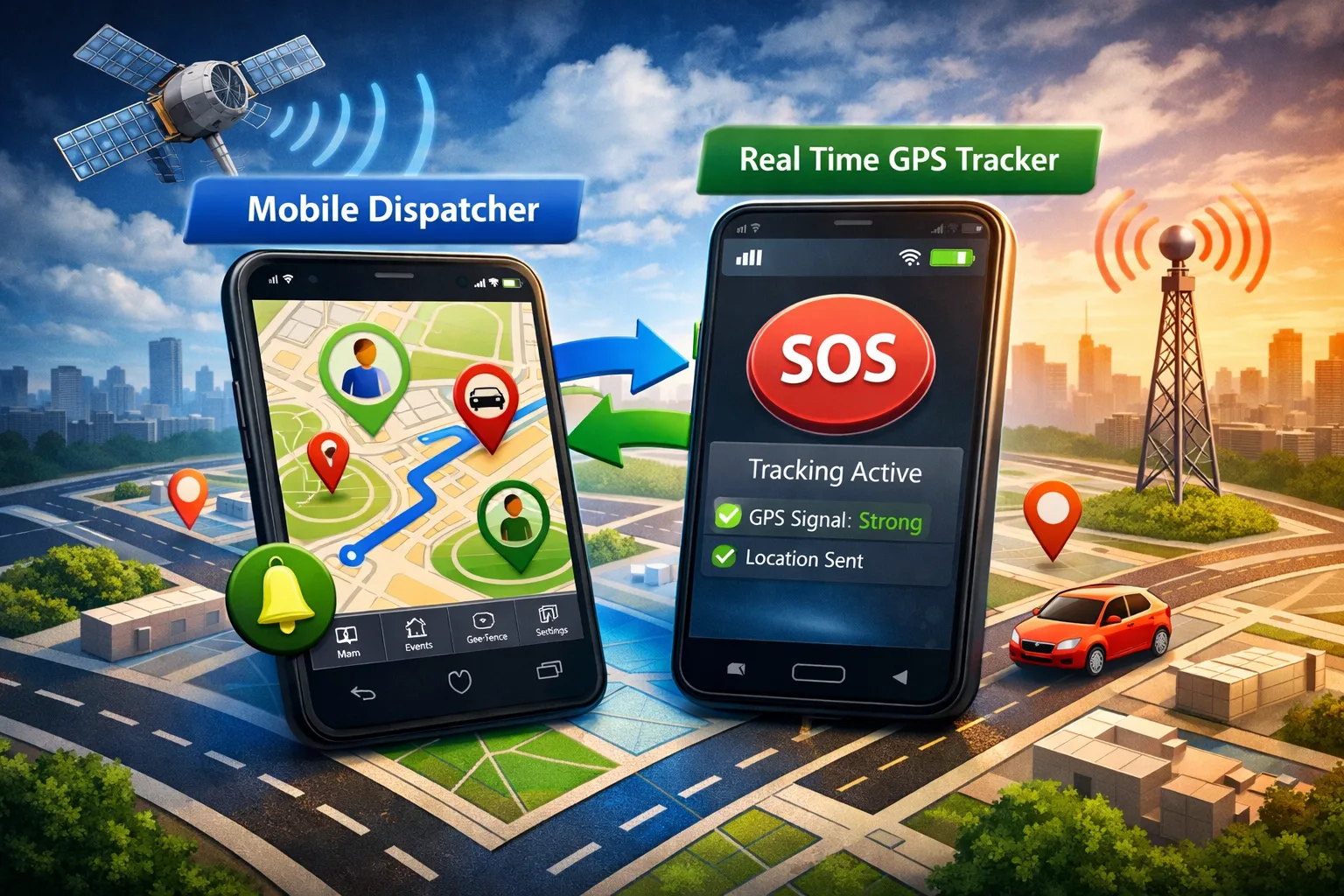
Two Mobile Apps for GPS Tracking: Full Control in One Ecosystem
Discover how two mobile apps work together to create a complete GPS tracking solution. Turn your smartphone into a GPS tracker with Real Time GPS Tracker and monitor everything in Mobile Dispatcher. Real-time tracking, alerts, geofences, SOS features, and more.
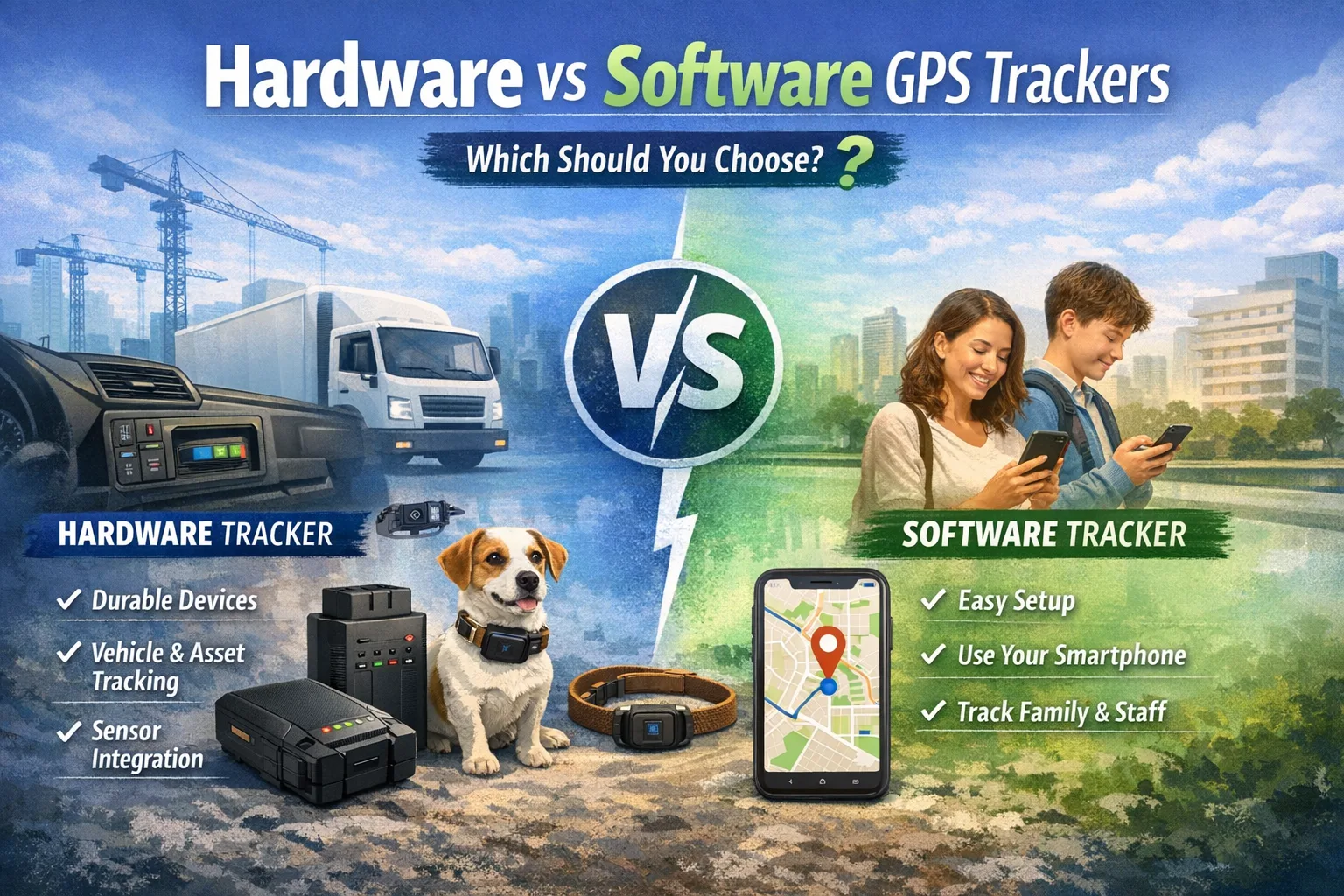
Hardware vs Software GPS Trackers: Which One Should You Choose?
Choosing between a GPS tracking app and a dedicated GPS device? Learn the key differences, advantages, and limitations of software and hardware trackers, and discover which solution is best for personal tracking, vehicles, fleets, pets, or business use.
Comments
Sign in to comment.
No comments yet.